/PIC_H_LOGO_1.svg "PIC dental")
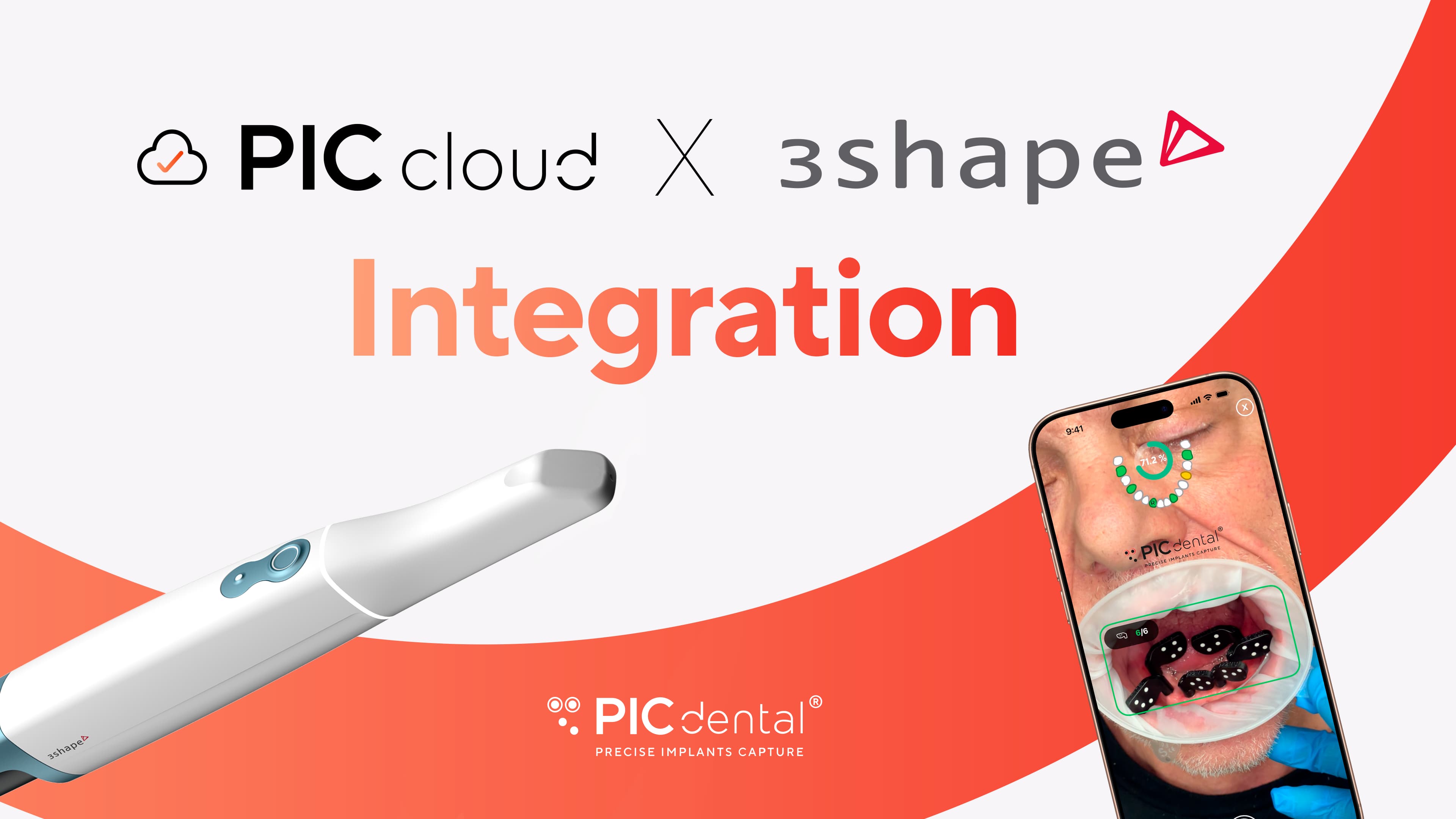
PIC dental for 3Shape Unite© is a new integration that connects your 3Shape Unite© workflow with PIC cloud, making it easier than ever to share complete digital implant cases with your laboratory.
The problem: managing files across platforms
Until now, PIC app and PIC lab users had to manage intraoral scanner (IOS) files separately: the PIC file was downloaded from PIC cloud, while soft‑tissue STLs had to be exported from the scanner’s software or web interface.
With this integration, everything finally comes together and you can share everything in just a few clicks. This is especially transformative for TRIOS® users, the flagship IOS from 3Shape.
The PIC dental solution: what the integration with 3Shape Unite© does
With PIC dental for 3Shape Unite©, clinicians can link 3Shape patient records to PIC cloud cases (implant positions captured with PIC app) and ensure both clinics and laboratories access all case assets from one single place.
-
Clinicians connect their PIC cloud account with their 3Shape Unite© account from the PIC cloud dashboard.
-
When creating a case in PIC app (before capturing), they can search for and link that case to any patient stored or synced in 3Shape.
-
Linking can also be done later, after the capture, directly from PIC cloud.
-
Once linked, both clinics and labs—whether they’re external guest users or partner accounts—can download the PIC file and all soft‑tissue STLs for that patient from the same case view in PIC cloud.
The result: laboratories receive the complete digital case without juggling multiple download sources or back‑and‑forth file requests.
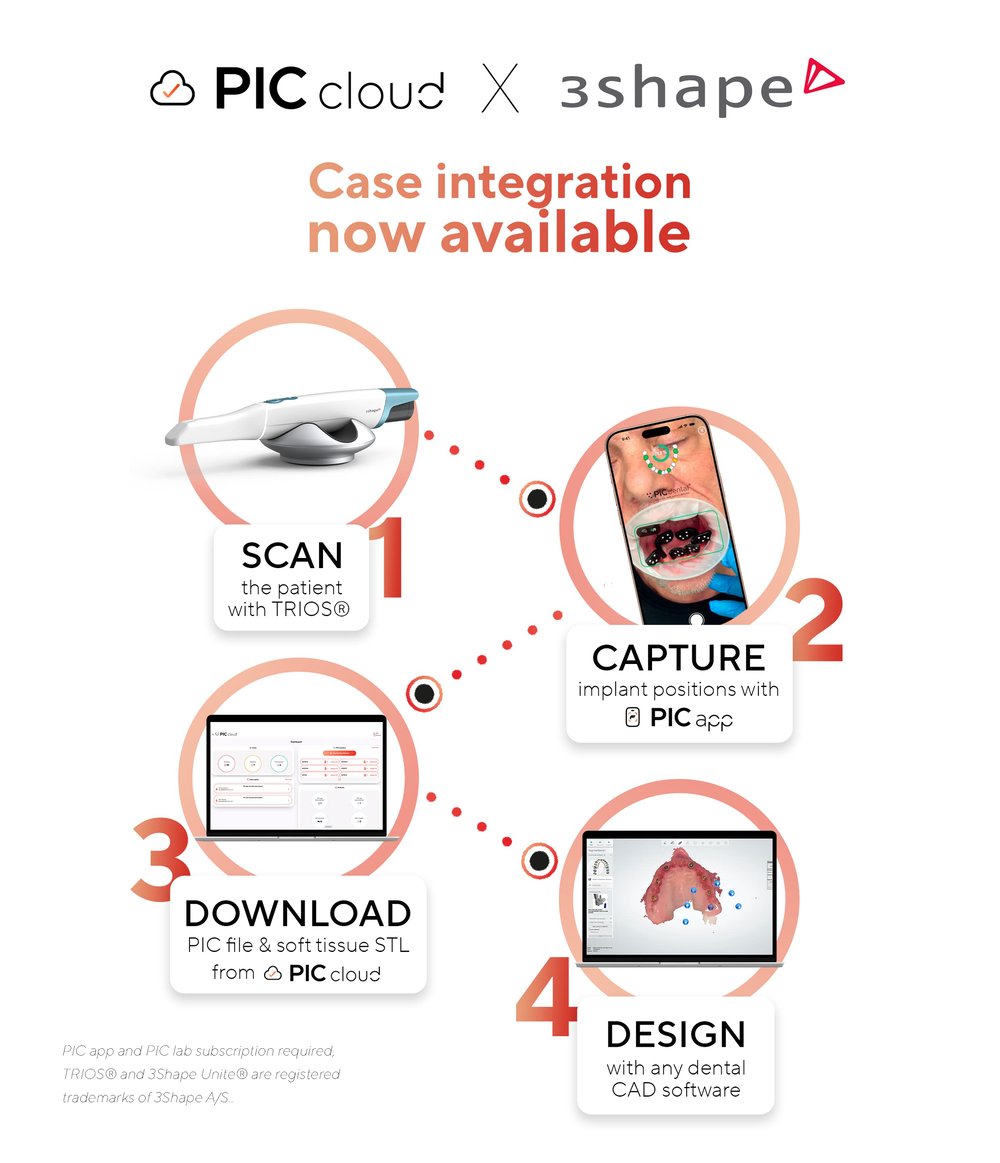
How it works: a simple 4-step process
1. Connect accounts: Connect a 3Shape Unite© account to a PIC cloud account (this only need to be done once.)
2. Create a case in 3Shape Unite©: Scan the patient’s soft tissues with your TRIOS® scanner as usual.
3. Link the case in PIC app: When setting up a new case in PIC app, simply select the patient from your synced 3Shape Unite© list to link the cases, or link it afterward in PIC cloud.
4. Download or Share Full Assets: PIC cloud automatically groups the PIC file and intraoral scan STLs together. Both clinic and lab users can download everything from the same case view in PIC cloud or share the complete case with partner labs in one step.
Who benefits from a PIC cloud & 3Shape Unite© integration
This feature has an immediate positive impact on everyone, as the integration allows you to:
-
Securely connect your 3Shape Unite software with your PIC cloud account without leaving your workflow.
-
Send complete cases to your laboratory with just a few clicks.
-
Improve your digital implant workflow with reliable, high‑quality data and fewer manual steps.
And there's more if you are a:
Clinic (PIC app user)
-
Link 3Shape patients to PIC app cases directly when creating them.
-
Download the PIC file and intraoral scan STLs together from PIC cloud.
-
Eliminate the need to send files to the lab manually.
Laboratory (PIC lab user)
-
Receive complete cases from partner clinics, always in the same organized format.
-
Access all case assets in one action, directly from PIC cloud.
-
No more hunting for missing files via email or transfer tools before starting the design with any dental CAD software.
Explore how to get the most out of PIC cloud and this integration in our Help Center, and see how it creates a seamless, smarter digital workflow.